








CDP vs CRM: Key Differences, Use Cases, and How to Choose
28/08/2026
234
The main difference between a CDP vs CRM is the job each system is designed to perform. A Customer Relationship Management system helps teams manage relationships with known prospects and customers. A Customer Data Platform collects and unifies customer data from multiple sources so other systems can analyze it and act on it.
These platforms are not direct replacements in most organizations. A CRM may manage leads, accounts, opportunities, service cases, and sales activity. A CDP may connect website behavior, mobile app events, transactions, loyalty data, campaign responses, and CRM records into profiles that support segmentation and activation. Many businesses eventually use both, but not every company needs both from the beginning.
This guide compares their typical roles, explains where modern platforms overlap, and provides a practical framework for choosing a CRM, a CDP, or a combined approach.
What Is a Customer Data Platform?
In a CDP vs CRM comparison, the easiest way to understand a Customer Data Platform is to look at what happens between source systems and customer-facing tools.
CDP as software that combines data from product and service touchpoints into a centralized customer database. That database can then support audience building, analysis, and downstream activation.
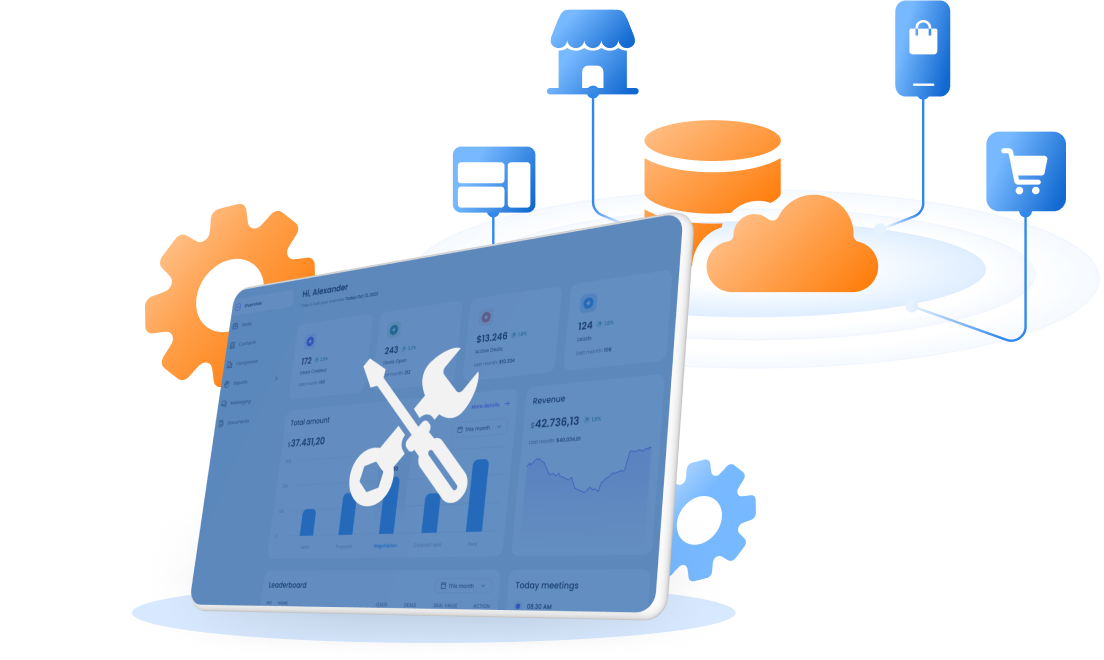
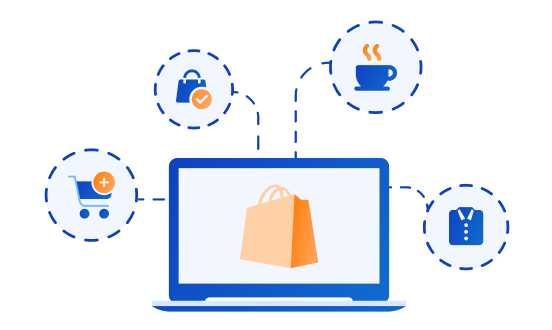
Operationally, a CDP usually performs four connected jobs: ingest data from digital and offline sources, standardize the incoming records, resolve eligible identifiers into profiles, and send useful data to other platforms. Its inputs may include website events, app activity, orders, POS transactions, loyalty changes, campaign responses, service activity, and CRM records.
The key point for this comparison is that a CDP is built around data movement and reuse. It prepares connected customer context for many systems, but it does not become the working interface for every sales conversation, opportunity, or service case.
What Is a CRM?
Customer Relationship Management refers to the strategy and software used to manage interactions with current and potential customers.
A CRM typically organizes data around business objects such as contacts, companies, accounts, leads, deals, tasks, communications, and service cases. Sales teams use it to manage pipelines and follow-ups. Service teams use it to review relationship history and resolve issues. Marketing teams may use CRM fields for lifecycle segmentation, lead nurturing, and campaign reporting.
Modern CRMs can collect data automatically, connect with websites and campaign tools, and include AI, analytics, and automation. The important distinction is not that CRM data must be manual. It is that the CRM data model and workflows are usually centered on managing customer relationships and revenue processes.
Quickly Differ CDP vs CRM
| Comparison area | Customer Data Platform | Customer Relationship Management |
| Primary purpose | Unify customer data and make it usable across systems | Manage customer relationships, revenue workflows, and service activity |
| Core data model | Profiles, identities, events, attributes, segments | Contacts, accounts, leads, opportunities, activities, and cases |
| Typical data | Behavioral, transactional, engagement, product usage, loyalty, consent, and CRM data | Contact details, deal stages, communications, tasks, forecasts, and service records |
| Identity scope | Can connect known and eligible anonymous activity across sources | Usually starts with a known contact, lead, account, or customer record |
| Data collection | APIs, SDKs, event streams, databases, batch files, and connectors | User input, forms, email and calendar sync, sales and service activity, and integrations |
| Primary users | Marketing, data, product, analytics, and customer experience teams | Sales, service, customer success, marketing, and revenue operations teams |
| Key capability | Identity resolution, profile unification, segmentation, and activation | Pipeline management, relationship history, tasks, forecasting, and case management |
| Activation | Sends audiences, attributes, or events to multiple tools | Starts sales, service, and CRM-native marketing workflows |
| Typical implementation question | How do we unify and activate customer data reliably? | How do we manage relationships and team workflows consistently? |
This table describes the typical architecture, not a fixed product boundary. Current comparisons from Shopify and HubSpot show how CRM, customer-data, automation, and analytics features increasingly overlap. Buyers still need to inspect what a product stores, how it resolves identities, which workflows it owns, and where it can activate data.

What Are the Key Differences Between a CDP and CRM?
1. They start with different operational problems
A CRM usually begins with a relationship-management problem. Sales teams need to know which leads require follow-up, which opportunities are likely to close, and what has happened with an account. Service teams need ownership, case history, status, and next actions.
A CDP usually begins with a data-fragmentation problem. Customer behavior and transactions exist in several systems, but teams cannot connect the records, create a consistent audience, or make the same data available across channels.
This distinction affects implementation. CRM projects focus heavily on process design, user adoption, ownership, and workflow. CDP projects focus more on source mapping, event schemas, identity rules, data quality, governance, and activation.
2. They organize customer data differently
CRM data is generally structured around entities used by revenue and service teams. A sales opportunity has an owner, stage, estimated value, expected close date, and activity history. These fields support a defined business process.
CDP data often includes a much larger volume of events and attributes. Product views, searches, cart actions, app sessions, purchases, loyalty changes, campaign exposure, and support activity may all contribute to a customer profile. As HubSpot’s comparison notes, this structure supports behavioral segmentation and lifecycle analysis that depend on signals outside the CRM record.
The CRM may store selected insights from this activity, such as the latest product interest or a lead score. It usually does not need every raw event inside the sales record.
3. Identity has a different starting point
CRM workflows normally operate on known records such as a person, account, household, or company. A lead may enter through a form, be created by a salesperson, or arrive through an integration.
A CDP can start collecting eligible activity before the person is known. When the visitor signs in, registers, or makes a purchase, identity rules may connect earlier activity to the known profile. Shopify’s CDP vs CRM guide, for example, distinguishes CRM records built around known customers from CDP profiles that may connect identifiers with storefront, POS, order, and device activity.
Identity resolution is not unlimited. Consent, platform policy, match quality, and governance rules determine which records may be connected. A CDP cannot reliably identify a person without suitable identifiers and lawful data use.
4. Their main users take different actions
CRM users manage relationships. A salesperson updates an opportunity, schedules a follow-up, records a meeting, and forecasts revenue. A service agent reviews a case and coordinates its resolution.
CDP users manage data-driven audiences and decisions. A marketer builds a segment, an analyst examines lifecycle behavior, or a product team sends a behavioral signal to an engagement system. Data and engineering teams may manage ingestion, schemas, quality, and access.
The same employee may use both. A marketer can build a CDP audience, send it to a campaign platform, and pass a qualified lead into the CRM when the person reaches a defined threshold.
5. Activation happens through different workflows
A CRM can trigger tasks, emails, lead routing, opportunity workflows, service actions, and other processes tied to its records. These actions are strong when the business decision depends on account status, relationship ownership, or pipeline stage.
A CDP commonly activates data across several destinations. It may send an audience to advertising, a profile attribute to a CRM, an event to marketing automation, or a segment to a personalization tool. These actions are useful when the decision depends on connected behavioral and transactional signals.
Neither approach is automatically better. The right activation path depends on who owns the next action and which system has the context required to make it.
Read more:
- CDP and Marketing Automation: How Retail Brands Connect Data to Personalization
- Building Customer Loyalty in Retail Through Technical Architecture
6. Governance and source-of-truth responsibilities differ
A CRM may be the authoritative system for sales ownership, deal status, account classification, or service cases. A commerce platform may remain authoritative for orders, while a loyalty system owns points and tier status.
A CDP should not silently replace these systems of record. It combines approved data into profiles and returns useful attributes, segments, or insights. Clear ownership prevents two systems from overwriting the same field with different values.
Before integration, teams should document the source of truth for each important attribute, which direction it moves, how often it updates, and what happens when data conflicts.
Use Case 1: CRM for Event Registration and Customer Follow-Up
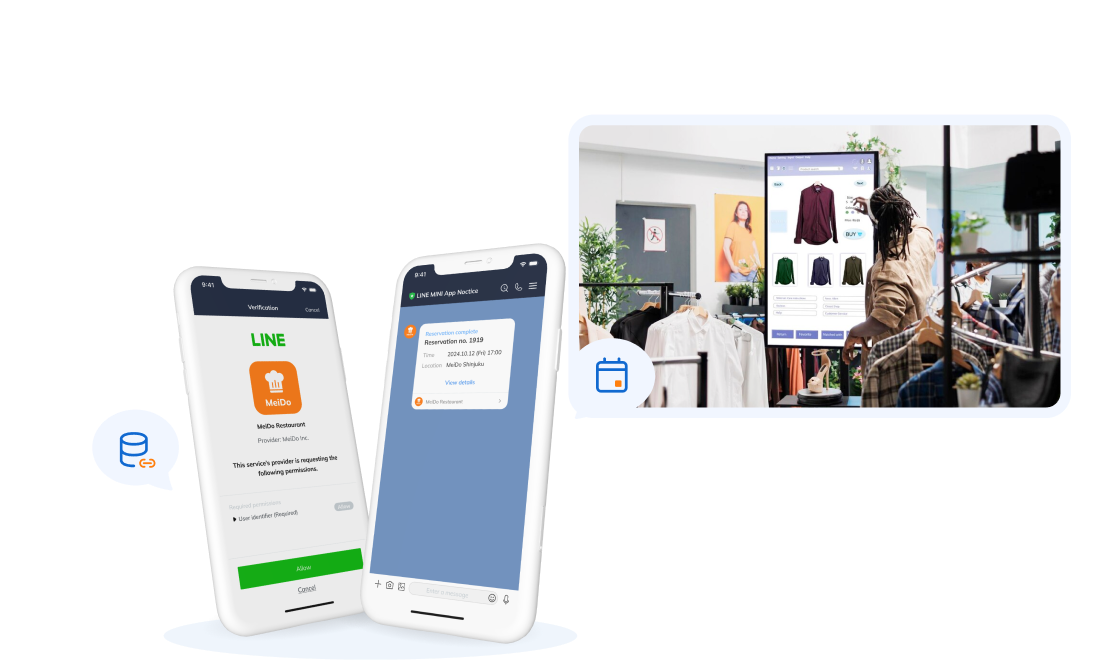
In SupremeTech’s LINE Mini App and Salesforce project, a luxury brand wanted to replace manual event registration, ticketing, and check-in. It also needed to capture customer activity from LINE and use that information for more relevant follow-up.
Customers registered through the LINE Mini App and received digital tickets for check-in. A custom integration layer validated the data and sent it to Salesforce, where the brand could register contacts, record activity, and trigger marketing or service workflows.
CRM was the right foundation because the business was managing known customers through a defined journey. The main questions were who registered, who attended, what interaction occurred, and what communication should happen next. A CDP would become useful later if the brand needed to connect this journey with e-commerce, POS, boutique visits, paid media, and anonymous browsing behavior.
Best fit: Use CRM when the priority is managing known customer relationships, team ownership, and the next action in a sales, service, or engagement process.
When Is a CRM Enough?
A CRM may be sufficient when the primary problem is managing known relationships and team workflows. Common signs include:
- Leads and customer conversations are scattered across spreadsheets or inboxes.
- Sales teams need a shared pipeline, ownership rules, tasks, and forecasting.
- Customer service needs a consistent record of cases and interactions.
- Marketing segmentation relies mainly on known contact attributes and CRM lifecycle stages.
- The company has a small number of channels and limited behavioral data.
For many B2B companies and smaller service businesses, CRM implementation should come before CDP investment. A CDP cannot fix unclear sales stages, weak data entry, inconsistent account ownership, or low CRM adoption.
A well-integrated CRM with marketing automation, commerce, and analytics may support the required use cases without a standalone CDP. The decision should be based on gaps that remain after the existing stack is used properly.
Read more:
- Top Rated CDP Solutions for Enterprises: Why Small and Mid Sized Companies Can Benefit Too
- Customer Data Management Software Guide
- What Is Customer Master Data? Customer Master Data Management Best Practices
When Should You Use Both a CDP and CRM?

Using both makes sense when teams need structured relationship workflows and broader customer-data activation. The CRM remains the working system for sales and service, while the CDP provides connected behavioral and transactional context.
Three common combined use cases are:
- Lead qualification: The CDP connects content views, product activity, campaign engagement, and CRM status. When the profile meets agreed criteria, the CRM creates or updates a lead for follow-up.
- Customer expansion: CRM data shows account ownership and current products. CDP data adds product usage, purchases, web behavior, and engagement to identify suitable cross-sell opportunities.
- Service-aware marketing: An open CRM case or negative service outcome flows to the CDP and suppresses promotional communication until the issue is resolved.
The value comes from the connection between systems. Simply buying both without defining data ownership and operational use cases can create another layer of duplication.
How Do CDP and CRM Work Together?

A practical integration usually supports data movement in both directions, but not every field should sync both ways.
CRM to CDP
The CRM can provide known identifiers, account attributes, lifecycle stage, lead or opportunity status, ownership, service signals, and relationship history. The CDP combines the approved fields with data from other sources to support profiles and segments.
CDP to CRM
The CDP can send selected information that helps sales or service take action. Useful outputs include product interest, engagement score, audience membership, churn signal, preferred channel, or a summarized timeline. Raw browsing events may stay in the CDP or data warehouse unless CRM users genuinely need them.
Shared activation and feedback
When a CRM user takes action, the outcome can return to the CDP. A completed call, changed opportunity stage, closed case, or purchase can update campaign eligibility and measurement. This creates a feedback loop without turning either platform into the owner of every customer field.
Read more:
- Delivering Luxury Customer Experiences via LINE Mini App and Salesforce
- The Future of Customer Data Platform in Retail
Common CDP and CRM Implementation Mistakes
- Expecting technology to fix process problems. A CDP cannot repair unclear CRM ownership, and a CRM cannot correct missing identity and event data by itself.
- Sending every field in both directions. Broad bidirectional sync creates conflicts, increases cost, and makes troubleshooting difficult.
- Duplicating systems of record. Orders, loyalty points, consent, deal stages, and service cases need defined authoritative sources.
- Ignoring deletion and suppression flows. Consent withdrawal, account deletion, purchases, and open service issues must update connected systems appropriately.
- Choosing by category name alone. Product labels overlap. Teams must validate actual data models, APIs, identity functions, activation, governance, and operating effort.
Begin with one use case and the minimum data flow needed to support it. Monitor data quality, latency, failed syncs, profile matching, user adoption, and business outcomes before expanding.
Choose the System That Matches the Work
The customer data platform vs CRM decision is not about which system stores “more customer data.” It is about what the organization needs to do with that data.
A CRM is the stronger foundation for managing known relationships, sales processes, service activity, and team workflows. A CDP is more suitable when customer signals must be unified across sources, connected through identity rules, and activated consistently across other systems. Many organizations need both, but each platform should have a clear responsibility.
SupremeTech supports customer data integration, scalable data pipelines, cloud architecture, and connections across CRM, loyalty, retail, e-commerce, and marketing systems. If your current stack contains the data but cannot turn it into a reliable workflow, talk with SupremeTech about an architecture based on your actual use cases.
FAQs Section
A CRM manages relationships with known prospects and customers through contacts, accounts, deals, tasks, communications, and service cases. A CDP collects and unifies customer data from multiple sources to support identity resolution, segmentation, analysis, and activation across systems.
Usually not. A CDP may store customer profiles and send insights to sales or service tools, but it generally does not replace CRM capabilities such as opportunity management, forecasting, account ownership, sales tasks, and case workflows.
A CRM may be enough when customer workflows involve known contacts and most required data already exists within the CRM ecosystem. It becomes less suitable as a CDP replacement when the business needs large-scale event collection, cross-source identity resolution, or dynamic activation across many destinations.
Not always. Many small businesses should implement a CRM first to manage contacts, sales, and service consistently. A CDP becomes relevant when customer data fragmentation and cross-channel activation create problems that the CRM and existing integrations cannot solve.
The CRM sends approved contact, account, sales, and service data to the CDP. The CDP combines it with behavioral and transactional data, then returns selected attributes, scores, segments, or triggers to the CRM. Each field should have a defined source of truth and sync direction.