




CRM Automation: An Integration Blueprint for CRM and Marketing Automation in Omnichannel Retail
18/11/2026
8
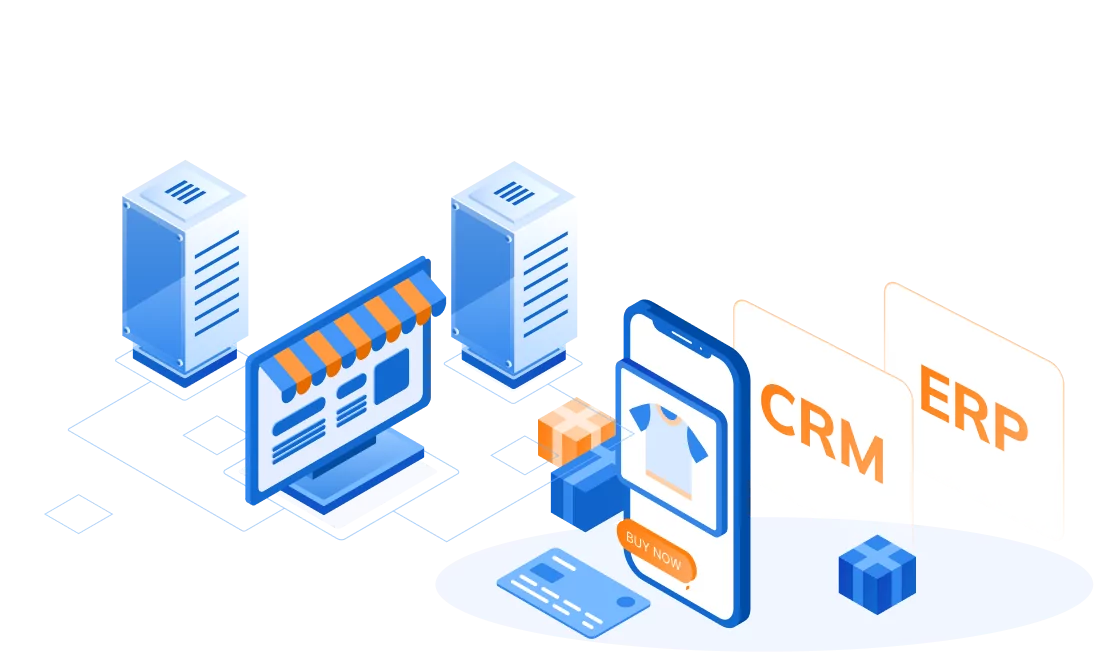
CRM automation in omnichannel retail is the set of rules that act on customer data without manual work: a follow-up after a store purchase, an alert to the store team about a high-value customer, or a pause on promotions while a complaint is open. It only works when each system in the stack has one clear job and data moves between them in a planned order. The POS and e-commerce platform capture what customers buy and do, the CDP joins those records into one profile, the CRM holds the relationship and service history, and the marketing automation platform sends the messages. Results then flow back, so the next decision uses current data.
Most retailers already own these systems. The problem is that different teams bought them at different times and connected them one link at a time. When an in-store purchase takes two days to reach the email tool, the customer gets a discount offer for an item they already bought. This blueprint explains the role of each system, who should own which data, and the four data flows that make CRM and marketing automation work together.
What Is CRM Automation in Omnichannel Retail?
CRM automation is the use of predefined rules and triggers to carry out customer tasks that staff would otherwise do by hand, such as updating records, assigning follow-ups and starting messages. Most definitions online come from sales software and focus on lead assignment and pipeline reminders. That view fits B2B sales but misses how retail works.
A retail customer moves between a store, a website, an app and a messaging channel, often in the same week. A CRM workflow automation rule such as “send a care guide three days after purchase” needs to know about the purchase wherever it happened. So in retail, the real question is whether the CRM receives the right data at the right time from the systems around it.
The stakes are commercial, not just technical. McKinsey’s Next in Personalization 2021 research, based on a survey of US consumers, found that 71% expect companies to deliver personalized interactions and 76% get frustrated when that does not happen.
The Five Systems and the Job Each One Owns

A reliable integration starts by giving each system one main job. When two systems do the same job, for example both building customer segments, teams end up arguing about whose numbers are right.
POS: the record of in-store transactions
The point-of-sale system records what was bought, where, when, at what price and with which discount. It may also capture a loyalty ID or phone number at checkout. The POS is the system of record for store transactions, but it is a weak place to keep customer profiles because details are entered quickly at the counter.
E-commerce platform: online orders and behavior
The e-commerce platform records online orders, carts, account sign-ups and browsing events. Modern platforms can push these events as they happen. Shopify’s developer documentation, for example, describes webhooks as a way for apps to receive near-real-time data about store events such as a new order, instead of repeatedly polling for changes.
CDP: one customer, one profile
The customer data platform collects data from the POS, e-commerce site, app and loyalty program, matches records that belong to the same person, and builds segments for other tools. Its job is identity and audience building, not day-to-day relationship management.
CRM: the relationship record
The CRM holds what the business knows about each customer and what it has done with them: contact details, loyalty tier, service cases, store-staff notes and follow-up tasks. In CRM marketing automation, the CRM often decides who qualifies for a relationship action, such as a VIP invitation, while the CDP supplies the behavioral context.
Marketing automation platform: message execution
The marketing automation platform sends email, SMS, push and messaging-app communications based on triggers and segments. It should own journey logic and send history, but not the master customer profile. When teams start editing profiles there, its data drifts away from the CRM.
Read more:
- CDP vs CRM: Key Differences, Use Cases, and How to Choose
- CDP and Marketing Automation: How Retail Brands Connect Data to Personalization
Who Owns Which Customer Data? A Source-of-Truth Map
Before building any workflow, decide which system is the system of record for each type of customer data. Other systems may keep a copy, but only the owner can change it. This one decision prevents most sync conflicts.
| Customer data | System of record | Main readers | Typical sync timing |
|---|---|---|---|
| In-store transactions | POS | CDP, CRM | Near-real-time or hourly |
| Online orders and carts | E-commerce platform | CDP, marketing automation | Near-real-time events |
| Unified customer ID and segments | CDP | CRM, marketing automation, ad platforms | Minutes to daily |
| Contact details | CRM or customer account | CDP, marketing automation | On change |
| Marketing consent and preferences | One consent owner, often the CRM | Every system that sends messages | Real time |
| Loyalty tier and points | CRM or loyalty engine | CDP, marketing automation, POS | Near-real-time |
| Service cases | CRM | CDP, marketing automation | Near-real-time |
| Sends, opens and clicks | Marketing automation platform | CDP, CRM | Hourly or daily |
Some retailers run loyalty in a separate engine, so adapt the table. What matters is that ownership is written down and every integration follows it.
Consent needs extra care. The UK regulator’s ICO guidance on consent asks organizations to make withdrawal easy and to keep evidence of consent. If an unsubscribe in the email tool never reaches the SMS tool, the retailer has a compliance risk, not just a data problem. Rules differ by market, so confirm requirements with legal counsel.
Four Data Flows That Make CRM and Marketing Automation Work Together
The flows below are illustrative patterns, not descriptions of a specific retailer. Timing depends on the systems involved.
Flow 1: In-store purchase to post-purchase follow-up
A customer buys a jacket in store and gives a loyalty number. The POS sends the transaction to the CDP, which links it to the customer’s online profile. The CRM updates loyalty points and, if the customer reaches a higher tier, creates a welcome task for the store team. The marketing automation platform receives a “store purchase” event and schedules a care guide. Without this flow, the customer may still get a cart reminder for the same jacket they browsed online.
Flow 2: Online browsing to cart recovery
The e-commerce platform sends cart events to the CDP. The CDP checks whether the person is known and whether they already bought the item elsewhere, including in store. Only then does the marketing automation platform send a reminder. The check against store purchases is the step most point-to-point integrations skip.
Flow 3: Consent change across every channel
A customer opts out of SMS. The marketing automation platform passes the change to the consent owner, which updates the record and pushes it to every sending system and the CDP. This flow should run in real time, because a message sent after an opt-out damages trust and may break the law.
Flow 4: Service case to campaign suppression
A customer complains about a late delivery. The CRM opens a case and flags the profile, and the CDP adds the customer to a suppression segment, so promotional messages pause. When the CRM closes the case, the suppression ends and a service follow-up can start. The CRM holds the context, and the automation respects it.
Read more:
- Real-Time Customer Data Integration: 7 Best Practices for Retailers
- Unified Customer Profile: How Retailers Build a Reliable Customer View
Customer Data Sync: Real-Time, Near-Real-Time or Batch?
Customer data sync does not need to be real time everywhere. Real-time pipelines cost more to build and monitor, so match the timing to the decision the data supports.
| Sync timing | Use it for | Example |
|---|---|---|
| Real time (seconds) | Consent, suppression and service flags | An opt-out stops all sends at once |
| Near-real-time (minutes) | Purchase and cart triggers, loyalty updates | A cart reminder checks store purchases first |
| Batch (hourly or daily) | Engagement history, analytics, model scores | Email clicks reach the CDP overnight |
A simple test helps: ask what goes wrong if the data arrives one hour late. If the answer is “a customer gets the wrong message,” it needs near-real-time sync or faster. If the answer is “a report is slightly behind,” batch is fine.
Common Integration Mistakes That Break CRM Workflow Automation
Most failed automation projects fail at the data layer, not in the workflow builder. Gartner estimates that poor data quality costs organizations at least $12.9 million a year on average, based on its 2020 research, and names data kept in silos with overlaps, gaps or inconsistencies as the most challenging data quality problem. In retail, that cost usually starts with these mistakes:
- Direct links between every pair of systems. Five systems connected directly can need up to ten separate integrations. A central pipeline or CDP layer cuts this to one connection per system.
- No shared customer ID. If the POS uses phone numbers, the website uses email and the app uses a device ID, nothing links them until identity rules are agreed.
- Two systems editing the same field. When both the CRM and the marketing tool can change an email address, the last sync wins, and it is often the wrong one.
- One-way flows. Automation that never receives results keeps sending offers to customers who already redeemed them.
- No monitoring. A failed nightly job can go unnoticed for days, so each pipeline needs alerts and a way to replay missed events. Event data can also arrive twice, which is why Shopify advises apps to ignore duplicate webhook deliveries.
How to Plan a CRM Marketing Automation Integration
A CRM marketing automation integration works best when each step produces the input for the next:
- List the decisions to automate. Pick two or three flows tied to revenue or risk. Output: a list of triggers and actions.
- Map the data each flow needs. Note each field, its source and how fresh it must be. Output: a field map.
- Assign a system of record to every field. Use the source-of-truth map above. Output: an agreed ownership table.
- Agree identity rules. Decide which identifiers link records and how conflicts are settled. Output: matching rules for the CDP.
- Choose the sync pattern per flow. Events for urgent triggers, batch for history. Output: an integration design.
- Build with monitoring and feedback. Send outcomes back and alert on failures. Output: a flow you can measure.
Read more:
- Customer Data Integration Best Practices: A Complete Guide for Retail Teams
- Cloud Data Platform: Why Retail Brands Need One Before Scaling Customer Data
How SupremeTech Approaches CRM Automation Integration
SupremeTech treats CRM automation as a data architecture project first. Through its Omnichannel Retail Solutions, SupremeTech integrates data across websites, marketplaces, social media and physical stores, and builds mobile ordering features with POS linkage. Its Customer Data Pipeline Management work designs, builds and operates pipelines that ingest data from POS systems, APIs, internal databases and files, unify it into standardized customer profiles, and deliver it to a client’s CRM, loyalty or marketing automation tools.
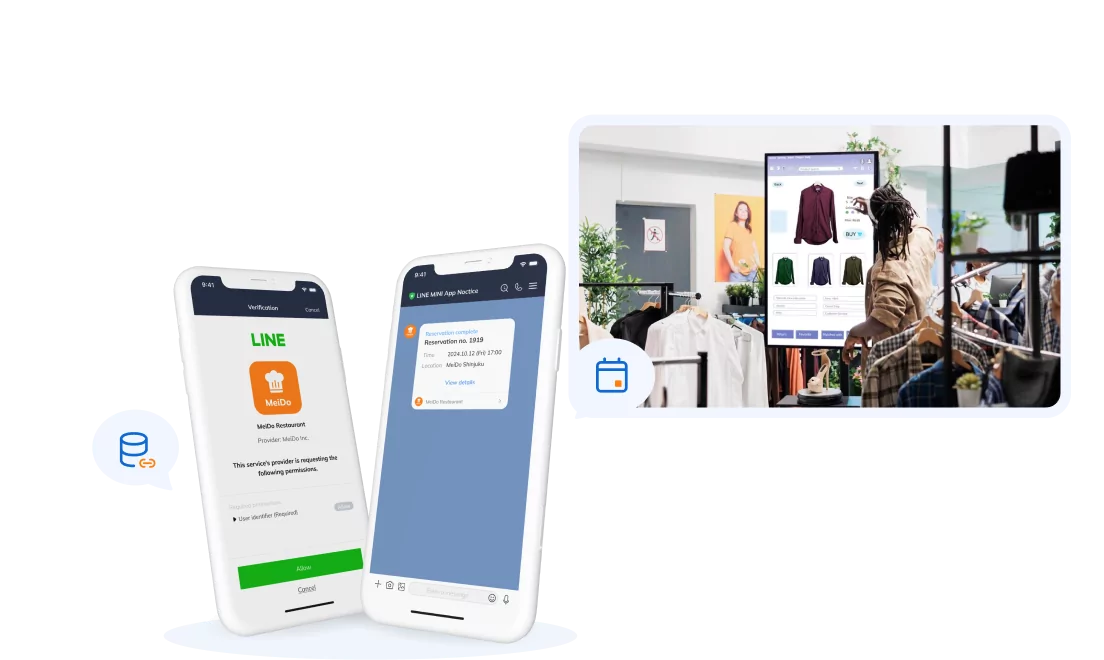
A real project shows the CRM side of this approach. In the LINE Mini App and Salesforce project for a heritage luxury brand, SupremeTech built a custom middleware layer, the API Extension Hub, that receives customer actions from LINE, validates and formats the data, and sends it to Salesforce Marketing Cloud to register contacts, log activity and trigger customer journeys. The brand gained LINE behavior data it did not have before, which supports more accurate segmentation and more relevant messages. The same pattern, a controlled integration layer between customer channels and the CRM, applies when the sources are POS and e-commerce systems.
Conclusion
CRM automation in omnichannel retail is only as good as the data behind each trigger. Give each system one job, assign an owner to every customer data field, choose sync timing by the decision it supports, and send results back so the next action uses current facts. Two or three well-designed flows will teach your team more than connecting everything at once.
If you are planning a CRM and marketing automation integration and want a second view on your data flows, talk to SupremeTech’s team about where to start.
Frequently Asked Questions
CRM automation uses rules and triggers to carry out customer tasks automatically, such as updating records, assigning follow-ups and starting messages. In omnichannel retail, it depends on the CRM receiving timely data from POS, e-commerce and CDP systems.
CRM automation acts on the relationship record, such as loyalty status, service cases and staff tasks. Marketing automation sends messages through email, SMS and other channels. In retail, they work best as one process: the CRM supplies context and the marketing platform executes.
Not always. A retailer with one sales channel and few systems can connect its CRM directly to its marketing tool. A CDP becomes useful when customers buy across stores, websites and apps and their records need to be matched into one profile.
Consent changes, suppression flags and service-case status should sync in real time, because late updates lead to wrong or unlawful messages. Purchases and cart events usually need near-real-time sync, while engagement history can move in daily batches.
One system should own consent, often the CRM or a dedicated consent service, and push every change to all systems that send messages. When each tool stores its own consent, an opt-out in one channel can be missed in another.
Start with two or three flows tied to revenue or risk, such as cart recovery that checks store purchases and complaint-based message suppression. Building these first lets the team test data ownership and identity rules before connecting every system.