








Custom Web App Development Services for Connected Retail Operations
26/08/2026
194
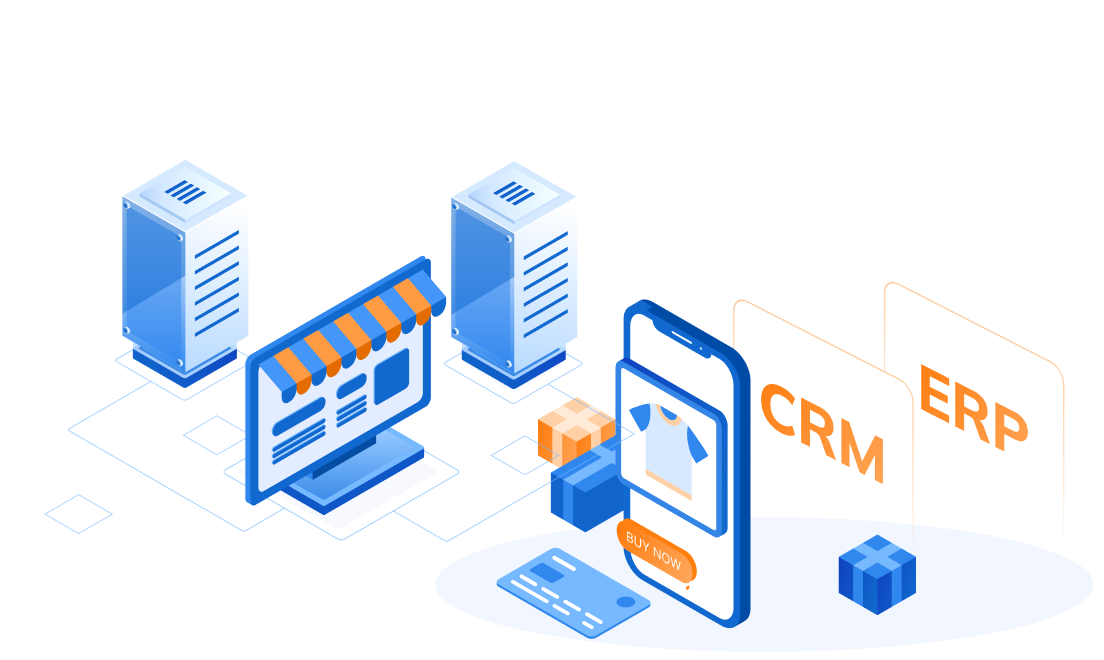
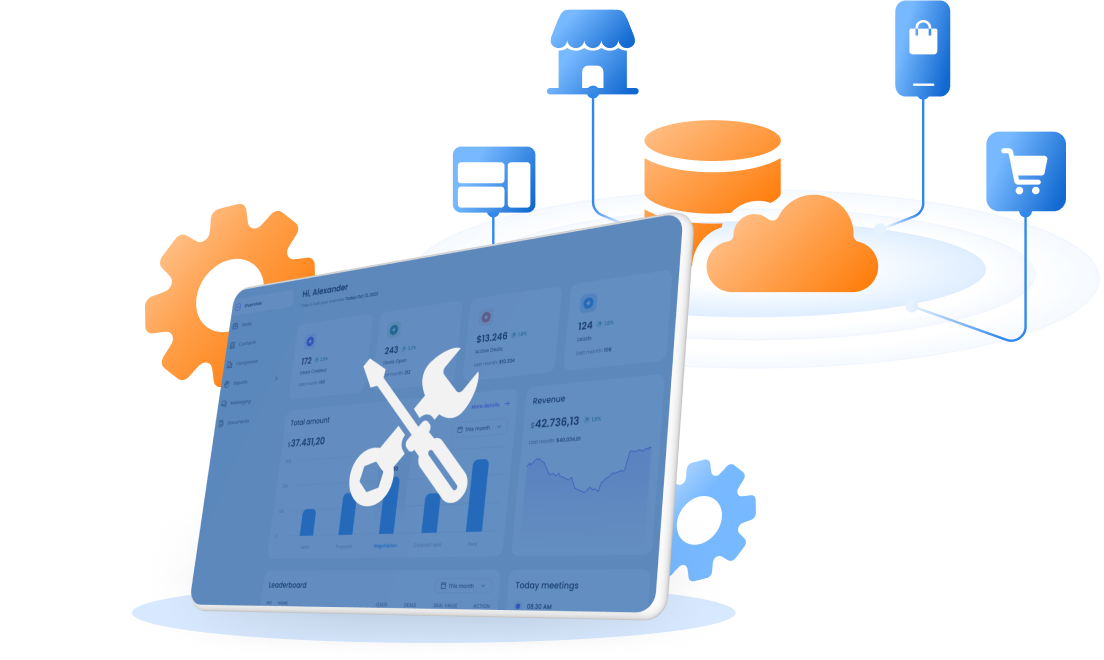
This is what people mean when they say retail operations aren’t “connected,” even when every individual system works fine on its own. Custom web app development services for retail increasingly aren’t about building a nicer-looking site or app. They’re about making sure the systems underneath, inventory, customer identity, orders, loyalty, actually connect with each other, in real time, everywhere a customer or employee looks.
Why Retailers Can’t Treat Channels as Separate Anymore
Customers already expect this to work. According to the National Retail Federation, retailers are under growing pressure to unify systems as AI and automation become part of daily operations, not a future project. Separately, Deloitte’s 2026 Global Retail Industry Outlook, based on a survey of 330 retail executives, found that 46 percent of retailers are actively focused on enhancing omnichannel experiences this year.
The gap between what customers expect and what most retail systems actually deliver is exactly where a lot of custom web app work happens now.
What Connected Retail Operations Means in Practice

Connected retail operations means the systems behind online, offline, and internal retail workflows can work from the same data. It is not just about having a website, stores, an app, and a loyalty program. A retailer can have all of those channels and still be disconnected if customer, order, inventory, and loyalty data do not stay consistent across them.
This matters most for retailers that already manage more than one sales channel, store pickup, returns, loyalty programs, or staff workflows that depend on shared data.
| Perspective | What Connected Means | What Breaks When It Is Disconnected |
| End customers | Customers get the same information and experience across website, app, store, loyalty, and support channels | The website shows one stock status, the store says another, or the app shows a loyalty balance the POS cannot apply |
| Retail operations teams | Staff can work from one reliable view of orders, customers, inventory, and business rules | Store staff, support teams, and marketing teams need to check multiple systems or use manual workarounds |
For end customers, connected retail means the brand remembers them across touchpoints. A customer who browses online, buys in store, earns points through the app, and contacts support later should not feel like they are starting over every time.
For retail operations teams, connected retail means staff can make decisions from the same source of truth. Store teams can see the latest order status. Support teams can check the same customer profile that marketing uses. E-commerce teams can understand how online orders affect store inventory.
This guide is most relevant for retail operations leaders, e-commerce managers, omnichannel managers, IT managers, digital transformation teams, and product owners who are trying to connect customer-facing and internal systems. The goal is not just to launch another web app. The goal is to build an operational layer where customer data, inventory, orders, loyalty, and staff workflows can work together.
What Connected Retail Operations Actually Requires From a Web App

A single customer identity across every channel: A customer who shops online, in an app, and in a physical store should be recognized as the same person everywhere, not treated as three separate accounts. Without this, a customer’s tier status, purchase history, or loyalty points can look correct in one place and wrong in another, and nobody notices until the customer does.
Inventory that updates everywhere at once, not on a delay: If a product shows as available online but it sold out in the store an hour ago, the web app is showing a promise the business can’t keep. Real connected retail means inventory changes propagate to every channel close to instantly, not through an overnight batch job.
Point of sale and the web app agreeing on the same transaction, in real time: When a customer redeems a coupon or earns points at checkout, that update needs to reflect in the app immediately, not the next day. A delay here doesn’t just look sloppy. It actively breaks the transaction the customer is in the middle of.
A rules engine the business can actually change: Retail rules shift constantly: a new promotion, a seasonal tier structure, a different point expiration policy. If every change means rewriting code and redeploying the app, the business ends up avoiding changes it actually needs to make. A well-built system separates the rules from the core application, so business teams can adjust them without engineering becoming a bottleneck.
Order and fulfillment status visible: Whether a customer is checking an order on the app, calling support, or standing at the counter, the answer to “where is my order” should be the same, pulled from one source, not reconstructed differently in three different systems.
None of this is about adding more features to a retail app. It’s about making sure the data behind the features tells the same story everywhere.
What Custom Web App Development Services Should Include for Retail
Custom Web App Development Services should not only mean designing screens and writing frontend code. For connected retail operations, the service needs to cover the full path from business workflow to system integration, data design, deployment, and long-term support.
A retailer does not usually come to a development partner saying, “We need a web app.” The real problem sounds more like this: “Our online store, POS, loyalty system, and staff workflow do not agree with each other.” That is why the service should start by understanding the operational gap first, then deciding what kind of web app should be built around it.
| Service Area | What It Should Cover | Why It Matters for Retail |
| Business workflow discovery | Map how orders, inventory, loyalty, customer data, and staff actions move today | Prevents the team from building a good-looking app around a broken process |
| System and data audit | Review POS, e-commerce, CRM, loyalty, ERP, and other existing systems | Shows where data is duplicated, delayed, missing, or owned by the wrong system |
| Custom web app planning | Define the right app type: customer portal, staff dashboard, admin tool, operation portal, or integration layer | Makes sure the solution matches the actual retail use case, not a generic app template |
| API and system integration | Connect the app with POS, Shopify, CRM, loyalty, inventory, fulfillment, or payment systems | Helps every channel work from the same customer, order, and inventory data |
| Business rules design | Build logic for loyalty tiers, promotions, coupons, return rules, pickup rules, and staff permissions | Keeps retail rules consistent across online and offline channels |
| UX and role-based interface design | Create different views for customers, store staff, support agents, and business admins | Gives each user only the tools and information they need to act quickly |
| Cloud infrastructure and DevOps | Set up hosting, deployment, monitoring, scaling, and release processes | Keeps the system stable during traffic spikes, campaign launches, and store peak hours |
| Testing and failure handling | Test sync errors, duplicate transactions, failed API calls, permission issues, and retry flows | Reduces the risk of connected systems breaking during real customer transactions |
| Documentation and support | Provide technical documentation, user guidance, monitoring handover, and post-launch support | Helps the retailer operate the system confidently after launch |
A strong custom web app development service also needs to help the retailer make build decisions. Not every workflow needs a new application from scratch. Sometimes the right answer is to customize an existing e-commerce platform. Sometimes it is to build middleware between systems. Sometimes it is to create a staff dashboard on top of legacy software instead of replacing the legacy system completely.
What This Looks Like in Practice
Two real projects show what happens when these pieces are built correctly, and what breaks when they aren’t.
A luxury jewelry retailer in Japan ran into the customer identity problem directly. The brand had two separate sales channels, online and in its boutiques, each running its own loyalty tier logic: different qualification rules, different point expiration models, different redemption logic. A customer recognized as a top-tier member online might not be recognized as one in the store, and the inconsistency only became visible when a customer actually crossed between channels and noticed. SupremeTech’s work rebuilding the tier logic started with an audit, not new code, mapping out exactly where the two systems disagreed before designing one unified, rules-based tier engine that both the Shopify storefront and the in-store POS could read from consistently. A batch sync process kept both sides updated on the same schedule, so a tier change made in the boutique showed up online within the same cycle.
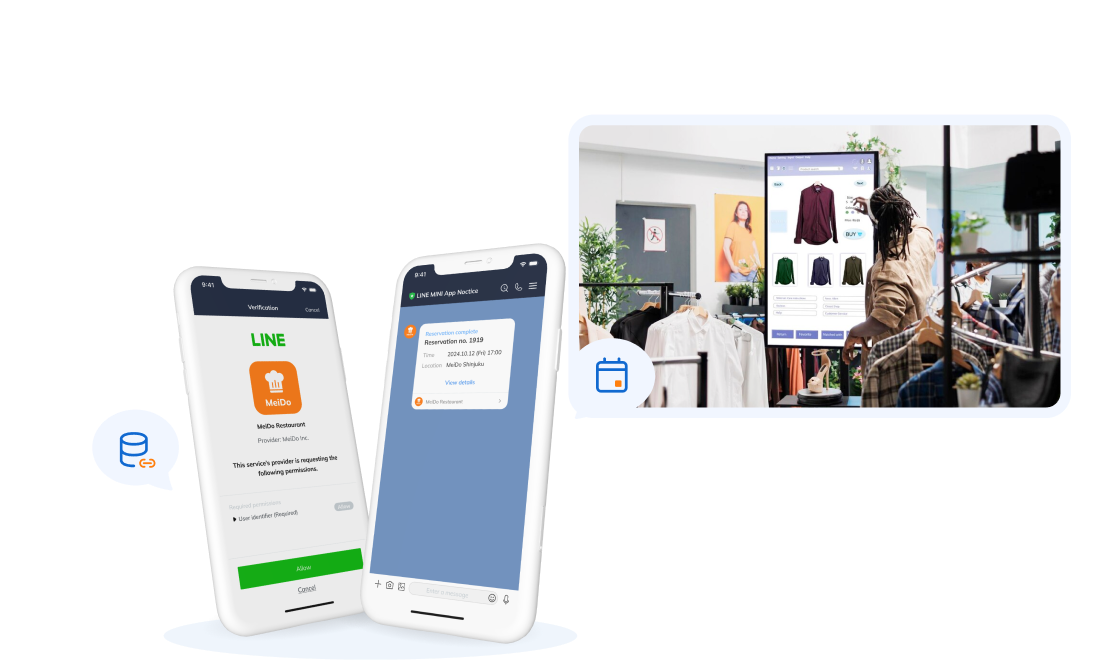
A global restaurant chain operating across Japan, Taiwan, Malaysia, and the US shows the real-time POS side of this problem at serious scale. Its app served close to 6 million monthly active users in Japan alone, and customers needed to earn and redeem points with a barcode scan at checkout. SupremeTech built a point gateway integrated directly into POS, so a single barcode scan checks coupon eligibility, updates the point balance, and syncs it back to the app within the same transaction. The system was load-tested to handle 200,000 concurrent users every 30 minutes during peak dining hours, and within six months of launch, around 25 to 26 percent of customers were actively using the point service at checkout.
Neither project was primarily about building a new interface. Both were about making sure the data underneath agreed with itself, no matter which channel a customer or employee was looking at.
The Architecture Behind Connected Retail Web Apps

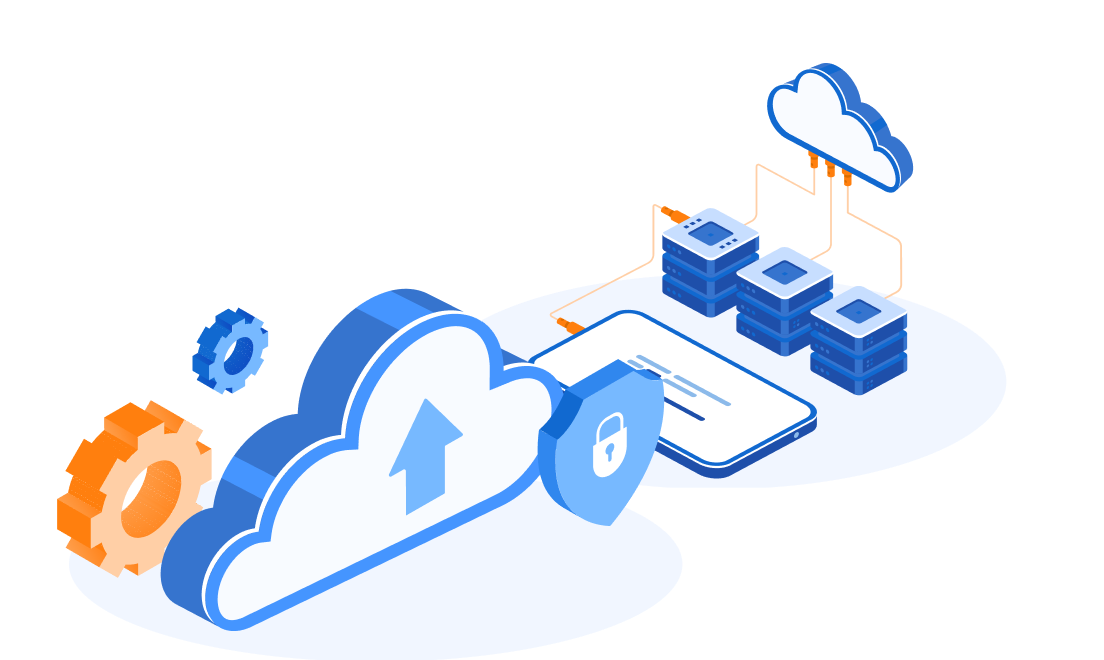
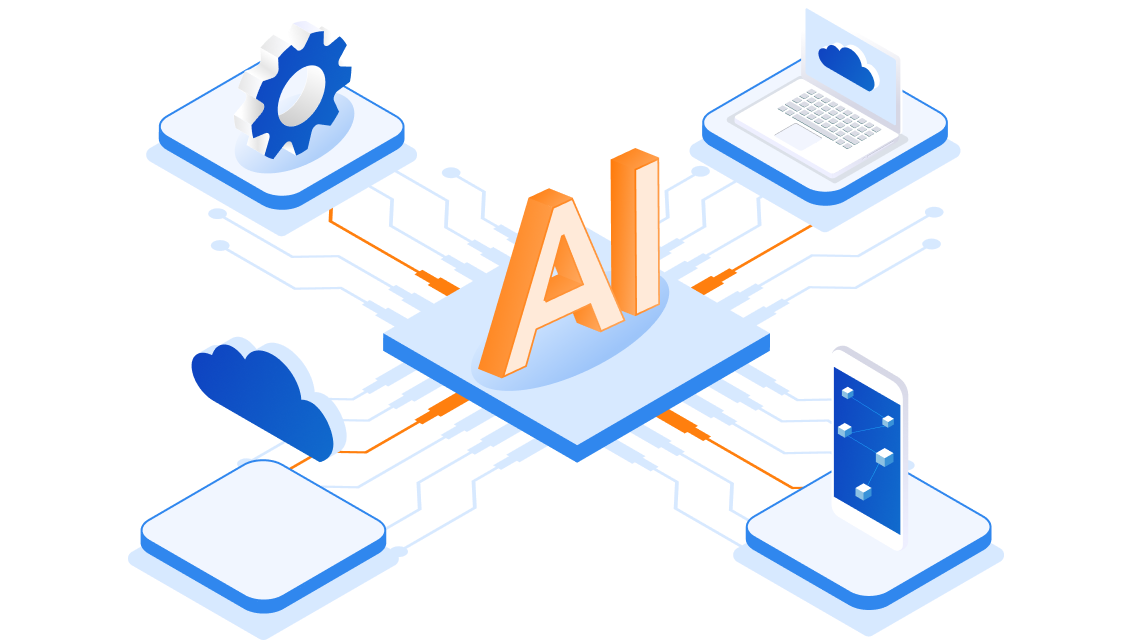
Custom web app development services for retail should not start with the interface alone. A connected retail web app needs an architecture that helps customer data, inventory, orders, loyalty, and fulfillment status move between systems in a controlled and reliable way.
In practice, the app works as an operational layer between the channels customers use, the tools staff depend on, and the systems that hold the business truth.
Key Architecture Layers for Connected Retail Web Apps
| Architecture Layer | What It Does | Retail Example | Why It Matters |
| Experience layer | Gives customers, staff, and business teams the screens they use | E-commerce site, loyalty portal, staff dashboard, support view | Different users need different screens, but they should all see the same data |
| API and integration layer | Connects the web app with POS, e-commerce, CRM, loyalty, inventory, and fulfillment systems | Shopify Admin API, POS integration, webhook, middleware, API gateway | This is where most cross-channel connection happens |
| Data and source-of-truth layer | Defines which system owns which data | POS owns in-store transactions, loyalty system owns points, inventory system owns stock availability | Prevents different channels from showing different answers |
| Business rules layer | Keeps retail rules consistent across channels | Tier logic, coupon eligibility, promotion rules, return rules | Lets the business change rules without rewriting every interface |
| Monitoring and recovery layer | Tracks failed syncs, retries, delays, and duplicate requests | Sync dashboard, retry queue, idempotent API design, alerting | Keeps connected systems safe to operate during peak traffic or failures |
1. Experience Layer:
The experience layer is what customers and staff interact with directly. This can include the e-commerce site, customer account page, loyalty screen, store staff dashboard, admin console, or support view.
In a connected retail setup, these screens should not each create their own version of customer, order, or inventory data. They should read from shared services or APIs that already know where the trusted data lives. AWS Guidance for Unified Commerce describes this kind of model as a unified commerce setup where customer-facing touchpoints connect through shared services instead of operating as separate silos.
For retailers, the goal is simple: a customer checking an order online, a store associate checking it in-store, and a support agent answering a call should all see the same status.
2. API and Integration Layer:
The API and integration layer controls how the web app communicates with existing retail systems. This can include POS, e-commerce, CRM, loyalty, payment, inventory, and fulfillment platforms.
For a Shopify-based business, for example, the Shopify Admin GraphQL API Order object connects order data with customer details, payment status, fulfillment, and product information. That makes it useful as part of the operational data flow, but it still needs to be connected carefully with the retailer’s other systems.
A strong integration layer usually includes:
- API calls between systems
- Webhooks for event updates
- Scheduled sync jobs where real time is not required
- Middleware for systems that do not connect cleanly
- Authentication and permission checks
- Retry and error handling when requests fail
3. Data and Source-of-Truth Layer:
Connected retail depends on one important decision: which system owns which data?
The e-commerce platform may own online orders. The POS may own in-store transactions. The loyalty system may own point balances. The inventory system may own stock availability. A customer profile service may own identity resolution across channels.
The custom web app should not blindly copy all data everywhere. It should understand which system is authoritative for each type of data, then expose that data in a usable way for customers, staff, and business teams.
This is where many retail projects become harder than expected. The technical task is not just “connect system A to system B.” The real work is answering questions like:
- Which customer record wins when two systems disagree?
- How often does inventory need to sync?
- Should loyalty points update in real time or near real time?
- Which order status should support teams trust?
- Which data should be stored, cached, or fetched on demand?
Without these decisions, a web app can look connected on the surface while still showing conflicting data underneath.
4. Business Rules Layer:
Retail rules change often. Promotions change. Loyalty tiers change. Return rules change. Store pickup rules change. Seasonal campaigns create temporary exceptions.
If those rules are buried inside frontend code, every change becomes an engineering task. That slows the business down and increases the risk of inconsistent behavior across channels.
A better approach is to separate business rules from the interface. The web app can still provide a simple admin screen, but the logic behind it should live in a shared rules layer or service that different channels can read from consistently.
This matters most for loyalty and promotion logic. If the website calculates a VIP tier one way and the POS calculates it another way, the customer experience breaks even if both systems are technically working.
5. Monitoring and Recovery Layer: Making the System Safe to Operate
The last layer is easy to overlook, but it is one of the most important: monitoring and recovery.
Connected systems will fail sometimes. An API may timeout. A webhook may not arrive. A sync job may process only part of a file. A third-party system may rate-limit requests during peak traffic. The architecture needs to make those failures visible and recoverable.
A reliable connected retail web app should include:
- Logs that show which transaction or sync failed
- Dashboards for sync status and queue backlog
- Alerts when delays pass an agreed threshold
- Retry logic for temporary failures
- Idempotency to avoid duplicate orders, points, or coupon redemptions
- Manual correction flows with an audit trail
For retailers, the best architecture is not always the most complex one. It is the one that makes the right data available to the right channel at the right moment, while keeping failures small enough to manage.
Our Services for Your Custom Retail Operations
Connected retail operations usually draw on a few different capabilities working together, not one single service.
SupremeTech’s omnichannel retail solutions work is built specifically around this kind of cross-channel consistency, connecting the customer buying journey across web, app, and in-store touchpoints. For the storefront and transaction side, e-commerce development covers building and maintaining the online store itself, while custom software development handles the parts that don’t fit a standard template, like a tier engine or a POS integration built around a specific business’s rules. Underneath all of it, cloud infrastructure and DevOps work keeps the system able to handle real spikes, a holiday rush, a flash sale, a lunch crowd, without the connections between systems breaking under load.
Connected Operations Start With the Data, Not the Interface
It’s tempting to judge a retail web app by how it looks: a clean checkout, a polished loyalty screen, a nice mobile experience. Those things matter, but they’re not what actually makes operations feel connected to a customer standing at a counter or checking an order on their phone.
What makes retail feel connected is quieter than that. It’s whether the tier status is the same everywhere. Whether the inventory number is actually true right now. Whether a transaction updates instantly instead of overnight. Get that right, and the interface on top of it has a real foundation to stand on.
If your team is working through a similar gap between channels, whether that’s inventory, loyalty, or order data, SupremeTech is happy to talk through what connecting it would actually involve. You can browse more case studies or get in touch to discuss your specific systems.
FAQs Section
Custom web app development services for retail help businesses build web-based systems that fit their specific workflows, instead of relying only on standard software. For connected retail operations, this can include customer portals, staff dashboards, admin tools, POS integrations, loyalty engines, inventory sync, and order management workflows.
A retailer may need a custom web app when existing tools cannot connect important systems such as POS, e-commerce, loyalty, CRM, inventory, and fulfillment. If teams still rely on manual exports, spreadsheets, duplicate records, or separate systems that show different answers, a custom web app can help create one operational layer across channels.
Custom web app development services support connected retail operations by connecting customer data, order data, inventory, loyalty rules, and staff workflows through APIs, shared data logic, and role-based interfaces. The goal is to make sure customers, store staff, support teams, and business users can work from the same reliable information.
Before starting a custom web app project, retailers should review which systems hold customer, order, inventory, and loyalty data; where manual workarounds happen; which data must update in real time; and which business rules change often. This helps define whether the project should be a new web app, a system integration layer, a staff dashboard, or a customization of an existing platform.