










Where Does Your Customer Data Go During a Shopify Data Migration?
04/11/2026
3
Before a store moves to Shopify, someone has to export every customer record from the old platform: names, emails, phone numbers, addresses and marketing consent. In a typical Shopify data migration, that file rarely travels straight from the old store to the new one. It sits on a laptop, gets shared for cleanup, and is often uploaded to a migration service that processes it on its own servers before anything reaches Shopify.
Each of those stops creates another copy of your customers’ personal data, held by another system and sometimes by another company. So the useful question is not only “is this tool secure?” but “how many places will my customer data pass through, who controls each one, and how long does it stay there?” The safest path is usually the shortest one, with every stop named and accounted for.
Picture a situation many teams will recognize (an illustrative example, not a real client): an operations lead has 40,000 customer records ready to move. The plan looks fine until the IT manager asks one simple question: “Where will this file be sitting tonight?” Nobody in the room can answer with confidence.
This article follows that file step by step and gives you five questions to ask any migration tool before you upload a single customer row.
Why Customer Records Are the Most Sensitive Part of a Shopify Data Migration
Customer records carry more risk than any other data in a migration because they identify real people. Product data is mostly public already, since it sits on your storefront. A customer export is different: it can include full names, email addresses, phone numbers, shipping addresses, notes and each person’s marketing consent.
Shopify treats these fields with extra care. Under its protected customer data requirements for apps, apps that use name, address, phone or email fields must meet a stricter set of rules, including encrypted backups, separate test and production data, limited staff access and access logs. Every app is also expected to “process only the minimum personal data required” and not to keep personal data “longer than necessary.”
If Shopify expects apps to touch as little customer data as possible, your migration process should aim for the same.
The Usual Path: Every Stop Your Customer Data Makes

A typical migration has three stops, and the middle one is where most of the uncertainty sits.
Stop 1: The export on your own devices
The journey starts when someone exports customers from WooCommerce, Magento, BigCommerce or a custom system. The file is often emailed to an agency, dropped into a shared drive or opened in several spreadsheet tools while the team fixes column names. By the time it is “ready,” there may be four or five copies, and nobody owns the job of deleting them.
Stop 2: The migration provider’s systems
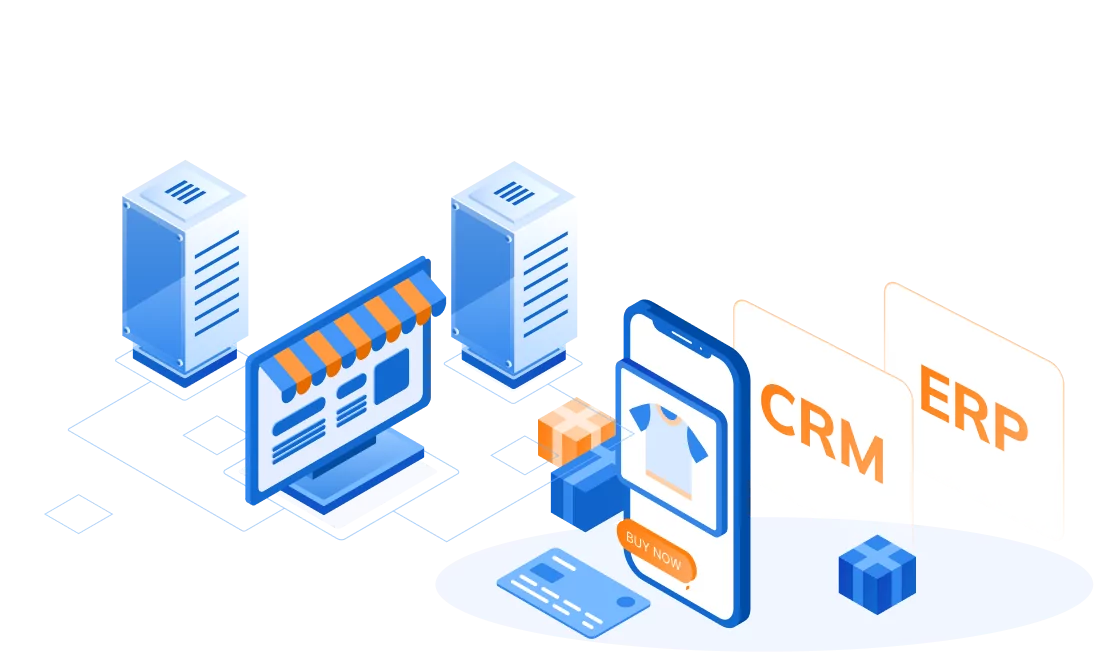
Many hosted migration services work by receiving your data, through a file upload or a direct connection to your old store, and processing it on their own infrastructure before pushing it to Shopify. That model can work well, but it means a separate company now holds a copy of your customer list. Its servers, staff access rules, retention policy and data location all become part of your risk, whether or not you have read them.
Stop 3: Shopify
The final stop is your new store. Once records are imported, they fall under the same settings and staff permissions as the rest of your Shopify store.
| Stop | Who holds a copy | What to confirm |
|---|---|---|
| Your exported CSV | Your team, plus anyone it was shared with | Who has the file, and when it will be deleted |
| Migration provider | The provider and the hosting services it uses | What is stored, where, for how long, and who can access it |
| Shopify | Shopify, under your store’s settings | Staff permissions and which apps can read customer data |
Read more:
Why Every Extra Stop Adds Risk
More stops do not automatically mean a breach. They mean more places where something can go wrong, and more promises to trust.
The US Federal Trade Commission puts the core idea plainly in its Start with Security guide for businesses: “No one can steal what you don’t have.” The same guide tells businesses to keep data only as long as there is a real business need, and to check that service providers actually follow the security terms in their contracts, because security “can’t be a ‘take our word for it’ thing.”
In a migration, that risk shows up in three practical ways:
- More copies. Each copy needs protection, and the forgotten ones are the ones that leak.
- Longer retention. A provider that keeps your file “for support purposes” still holds customer data long after your store is live.
- Shared accountability. You remain responsible for your customers’ data even when another company handles it. Japan’s privacy law, for example, requires a business that outsources the handling of personal data to supervise the company doing the work, as the Future of Privacy Forum’s summary of the APPI explains.
So a migration that looks cheap and fast can carry a hidden cost: a vendor review for your legal or IT team, or an unreviewed risk.
Five Questions to Ask Before You Upload Customer Data
The quickest way to judge a Shopify data migration tool on privacy is to ask it to describe the path, stop by stop. A clear tool can answer these five questions in plain words.
| Question | Why it matters |
|---|---|
| 1. What exactly leaves my browser: the whole raw file, or only the fields needed for import? | Less data sent means less data to protect |
| 2. Where is it processed and stored, and in which region? | Location affects who can access it and which rules apply |
| 3. How long is it kept, and how is it deleted? | Retention is where old copies quietly pile up |
| 4. Which other companies touch it, including hosting and support? | Every name on this list is part of your risk |
| 5. Does the import run through Shopify’s own APIs, and how are failed rows fixed? | Re-uploading a full file to fix a few errors creates more copies |
One word deserves extra care here: “embedded.” In Shopify, an embedded app is one whose screen appears inside Shopify Admin. Shopify’s App Home documentation explains that such an app “renders its UI in an iframe,” while the app itself is deployed to a hosting service, which is “where your app runs and handles requests from Shopify.” So “embedded” tells you where you click. It does not tell you where your data goes, and questions 1 to 4 still apply.
How Goto Shopify Keeps the Path Short
Goto Shopify is a Shopify data migration app built by SupremeTech. Customer data passing through outside servers was one of the problems the team set out to address, so the app runs inside Shopify Admin and keeps the number of stops low. Here is how it answers the five questions.
The raw file stays in your browser
When you upload a CSV, Goto Shopify reads and maps it in your browser. The original file stays on your device. Only the mapped rows, meaning the data matched to Shopify fields, are sent to the app’s server.
Shopify runs the import
The app turns those rows into an import file and uploads it to Shopify’s staged upload storage, not to file storage owned by the app. Shopify then carries out the import through its Bulk Operations API. No separate migration company sits between your browser and your store.
The app keeps track of jobs
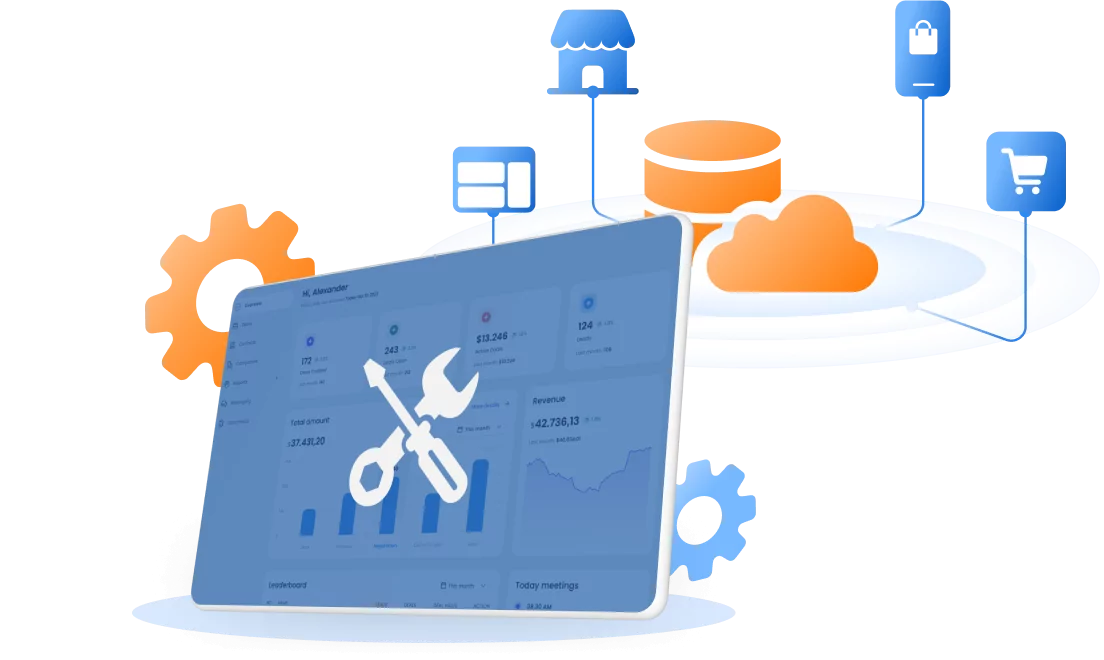
Goto Shopify’s own database records each migration job: its status, row counts and errors, plus the login session Shopify needs to connect the app to your store.
Fixing errors does not mean re-sharing everything
When some rows fail, the app gives you a CSV of only those rows, with Shopify’s own error message for each. You fix that small file and retry the failed groups, instead of exporting and uploading your full customer list again.
| Typical hosted migration service | Goto Shopify | |
|---|---|---|
| Where you work | Often the provider’s own website or dashboard | Inside Shopify Admin |
| Raw customer data | Uploaded to the provider or pulled from your old store | Raw CSV stays in your browser; only mapped rows reach the app server |
| Who runs the import | The provider’s own systems | Shopify’s Bulk Operations API |
| Fixing failed rows | Varies by provider, so ask | A file of only the failed rows, retried on their own |
Goto Shopify is currently offered as a custom app rather than through the Shopify App Store. If your team needs details such as data retention or hosting region for a vendor review, you can ask the SupremeTech team directly before you start.
Read more:
- Shopify CSV Import Not Working? Find Failed Rows Without Starting Over
- Why Large Shopify Product Import Fail on Shopify, and How Can You Fix it?
What Still Sits With Your Team
No tool can protect a file that has already been emailed around. Name one owner for the export, share it through a controlled location rather than email or chat, export only the columns you plan to import, and delete every copy once the import is checked. After go-live, review staff permissions and remove apps you no longer need.
Choose a Migration Path You Can Explain
A safe Shopify data migration is one where you can draw the path your customer data takes and name everyone who touches it. The fewer the stops, the fewer the copies, and the easier it is to keep the promise you made to your customers when they gave you their details.
If you are planning a move and want to see how Goto Shopify would handle your customer records, talk with the SupremeTech team about your migration.
Frequently Asked Questions
It can be, if you know the path your data takes. Ask the app what it receives, where it stores it, how long it keeps it and which other companies touch it. A tool that answers clearly in writing is easier to trust than one that only says it is secure.
Not automatically. An embedded app shows its screens inside Shopify Admin, but the app itself runs on a hosting service chosen by its developer. Data handling depends on how that app is built, so ask what reaches its servers.
Usually names, email addresses, phone numbers, addresses, tags, notes and marketing consent. Shopify treats name, address, phone and email as protected customer data, so apps that use them must meet stricter handling rules.
Goto Shopify reads and maps your CSV in your browser, so the raw file stays on your device. Only mapped rows go to the app’s server, which hands an import file to Shopify’s staged upload storage. Shopify then runs the import through its Bulk Operations API.