








Custom Enterprise Software Development: How to Build for AI-Ready Operations
13/08/2026
197
A company runs a promising AI pilot: a predictive tool, a copilot, an automated workflow. It performs well in testing. Then it goes into production and quietly underperforms, not because the model is weak, but because it’s pulling data from three systems that were never designed to talk to each other, none of which were built with AI in mind.
That gap is becoming the real story behind custom enterprise software development in 2026. It’s no longer just about replacing generic, off-the-shelf software with something built around your workflows. Increasingly, it’s about building systems that can actually support the AI your business is trying to put on top of them.
Why So Many Enterprise AI Projects Fail?
A global survey of more than 4,200 business and technology leaders, conducted by Gartner and cited in MIT Sloan Management Review, found that only 48 percent of digital initiatives had met or exceeded their targeted business outcomes. That’s not a small gap. Nearly half of digital and AI investments are falling short of what they were expected to deliver.
According to MIT Sloan Management Review, the organizations getting the strongest returns from AI aren’t distinguished by which models they use or how much they spend on technology. What sets them apart is more structural: clear governance, integrated data environments, executive alignment, and the operational discipline to actually embed AI into daily decisions. The same analysis cites Deloitte research showing that more than 80 percent of organizations globally haven’t redesigned their jobs and workflows to meaningfully use AI capabilities, meaning most AI gets bolted onto processes that were built for a different way of working entirely.
What is Custom Enterprise Software Development?
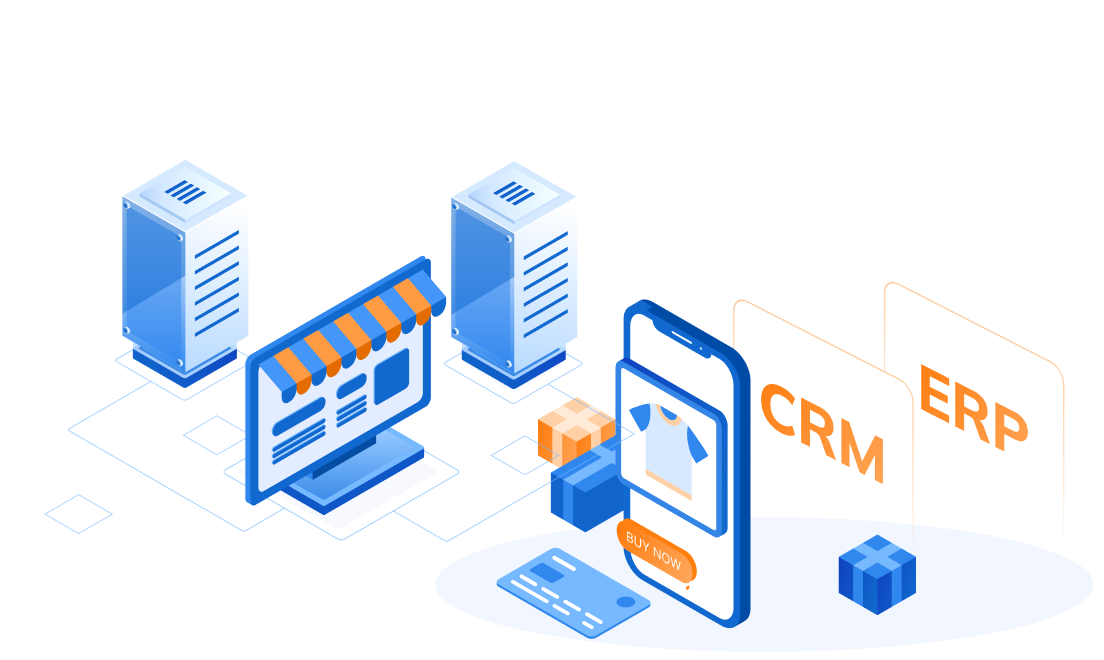
In simple terms, custom enterprise software development means building software around how your company actually works, instead of changing how your company works to fit a tool someone else built. It usually covers things like ERP, CRM, HR systems, supply chain tools, and internal dashboards that don’t have a good off-the-shelf match.
Off-the-shelf software is fine when your process is common enough that a generic tool just handles it. Custom development makes more sense when your workflows, your data, or your compliance needs are specific enough that forcing them into a packaged tool causes more problems than it solves. That part hasn’t changed. What’s new is that this same choice now also decides whether AI can actually work well once it’s added on top.
What Makes Enterprise Software “AI-Ready”?
“AI-ready” sounds like a buzzword, but it actually points to a few concrete things. Here’s what it really means in practice.
AI needs a proper way to ask for data, not free access to everything: Many older systems only let you pull data by querying the database directly. That’s risky for AI, because a tool querying raw tables has no real sense of what it should or shouldn’t see. A better setup gives AI a clear, controlled way in, like a defined API, so every request can be tracked and limited to exactly what that AI tool needs.
Someone needs to own the data: AI can make bad data worse. If nobody can clearly say who’s responsible for keeping a specific dataset accurate, that’s a problem worth fixing before adding AI on top of it.
One change shouldn’t break five other things: Old systems are often built as one big tangled piece, where updating one part risks breaking something unrelated. AI-ready systems are built in smaller, more independent pieces, so a team can update or improve one part without holding their breath about the rest.
A human still needs to check the important stuff: Good AI-ready systems have a clear point where a person reviews or approves what the AI did, especially for anything that affects a customer or a business decision. If your current system assumes a human does everything by hand, that checkpoint usually doesn’t exist yet. It has to be built in on purpose.
Building AI-Ready Operations
The principles above explain what AI-ready actually means. This section breaks down how that actually gets built, layer by layer, since research from Gartner on AI-ready data has found that organizations tend to treat AI-readiness as one single fix, when it’s really a handful of separate decisions across data, infrastructure, workflow, and governance that all have to work together.
| Layer | Without AI-Readiness | AI-Ready Operations | Practical Starting Point |
| Data access | AI (or anyone) pulls straight from the raw database | AI reaches data through a defined, trackable path, like an API | Map which systems hold data an AI tool might need, and build one clean access point for each |
| Data ownership & quality | Nobody’s sure who’s responsible if a number looks wrong | Every important dataset has a named owner responsible for its accuracy | Assign an owner to your 3-5 most business-critical datasets first, not all of them at once |
| System structure | One big, tangled system where changing one thing risks breaking another | The system is built in smaller, more independent pieces | Identify the one part of your system that changes most often, and separate it out first |
| Workflow design | AI gets bolted onto a process built for a person to do by hand | The workflow itself is redesigned around what AI can actually help with | Pick one manual, repetitive workflow and redesign it from scratch, instead of just adding an AI step to the old version |
| Human oversight | No clear point where someone checks the AI’s work | A specific, defined moment where a person reviews or approves AI output | Decide, in writing, which AI actions need human sign-off before anything gets built |
| Security & permissions | Broad, all-or-nothing access to systems and data | Access is scoped narrowly to exactly what each AI use case needs | Apply the same access rules to AI tools that you’d apply to a new employee: least access needed to do the job |
| Infrastructure & scale | Built to handle predictable, steady traffic | Built to handle bursts and unpredictable AI-driven demand | Test what happens to your system under a sudden spike, before an AI feature causes one for real |
| Monitoring & feedback | Nobody’s watching what the AI is actually doing after launch | Ongoing tracking of AI decisions, with a way to catch and fix mistakes | Set up basic logging for any AI action before it goes live, not after something goes wrong |
Common Pitfalls When Enterprises Build (or Rebuild) for AI
A lot of AI projects run into the same handful of problems. Knowing them ahead of time makes them much easier to avoid.
Giving AI direct access to everything: It’s tempting to just let an AI tool query the database directly to save time. This works fine in a demo and becomes a real risk in production, since there’s no easy way to control or track what the AI is actually doing with that access.
Nobody redesigned the actual workflow: A lot of companies add an AI feature on top of a process that was designed for a person to do manually, step by step. The AI ends up bolted on instead of built in, which usually means it only helps a little instead of actually changing how the work gets done.
Skipping the “who checks this” question: It’s easy to get excited about what AI can do and forget to plan for who reviews its output. Without that step, small AI mistakes can go unnoticed until they’ve already caused a real problem.
Building only for the happy path: A demo usually shows the best-case scenario. Real production systems have to handle messy inputs, edge cases, and things going wrong, which is exactly where a lot of AI features quietly fail after launch.
Treating this as a one-time project: Systems and data change constantly. An AI-ready setup that isn’t maintained slowly drifts back into the same mess it started as, just with AI layered on top of it.
The Custom Development Process for AI-Ready Systems
Building a genuinely AI-ready system usually follows a fairly consistent path, even though every project looks a little different.
It starts with understanding what you actually have. Before writing any code, a good team maps out your current systems and data: what’s accurate, what’s outdated, what’s duplicated across three different tools. Skipping this step is one of the most common reasons AI projects underdeliver later.
From there, the work is about building the right access points, not rebuilding everything. Instead of exposing raw data everywhere, the goal is a small number of clean, well-defined ways for AI (and everything else) to reach what it needs, with proper permissions built in from the start.
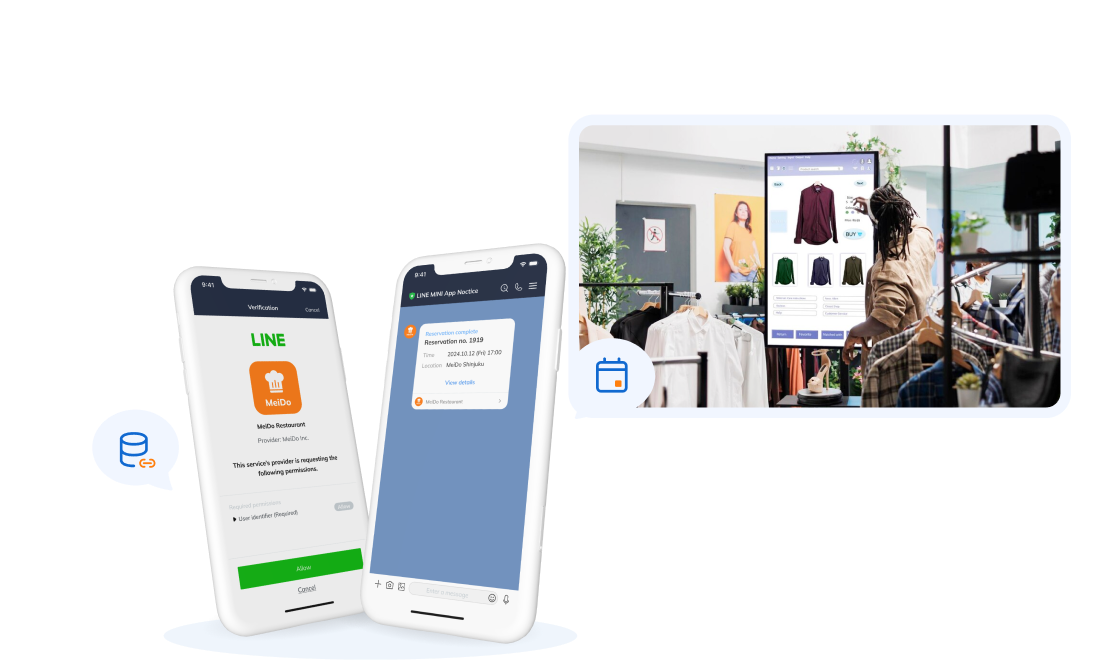
AI can also speed up the build itself, not just the end result. SupremeTech’s AI-driven development approach uses AI agents to help with planning, analysis, and writing code, while engineers stay in charge of the architecture, quality checks, and final sign-off. A recent project shows what that looks like in practice: working with a local government on a Japanese island, SupremeTech built two web platforms from scratch in just two months, using this AI-assisted process from the initial spec all the way through launch. The result managed 439 visitors in a single system, replacing a manual booking process with something automated.
What made that possible wasn’t just speed. It was a clear starting spec, a well-defined data setup, and a process disciplined enough to move fast without cutting corners on quality. Those same habits are what make a system genuinely AI-ready once it’s live, not just fast to build. SupremeTech’s custom software development and cloud infrastructure and DevOps teams handle the deeper architecture and infrastructure side of this same kind of project.
AI Readiness Is a Software Decision, Not a Model Decision
It’s easy to assume AI performance comes down to picking the right model or vendor. The more important decision usually happens earlier: whether the software underneath was actually built to support it, with clean data access, a workflow that can adapt, and a clear line between what AI handles and what a person still checks.
That’s not a knock against AI. It just means the real work has moved somewhere else. The companies getting real value out of AI in 2026 usually aren’t the ones with the flashiest model. They’re the ones whose software was built, on purpose, to make that model’s output something the business can actually trust.
If your team is trying to figure out whether your current systems are ready for what you want to build next, SupremeTech is happy to help think it through. You can browse more case studies or get in touch to talk through your specific systems.
FAQs Section
It’s building software around how your company actually works, instead of adapting your company to fit a generic, off-the-shelf tool. It typically covers systems like ERP, CRM, HR platforms, and internal dashboards.
Research cited by MIT Sloan Management Review points to structural issues, not weak models, as the main cause: unclear governance, fragmented data, and workflows that were never redesigned to actually use AI.
It means AI reaches your data through a controlled, trackable path instead of direct database access, someone clearly owns each dataset’s accuracy, the system is built in independent pieces, and there’s a defined point where a human reviews the AI’s output.
Giving AI direct, unrestricted access to the database to save time. It works fine in a demo but becomes hard to control or track once the system is in production.
In an AI-driven development model, AI agents help with planning, analysis, and writing code, while engineers keep control of architecture decisions, quality checks, and final approval.